At WePayAtSlab.com, we make it easy to create and personalize your own custom Realtor site, complete with your unique branding. Follow these simple steps to get started:
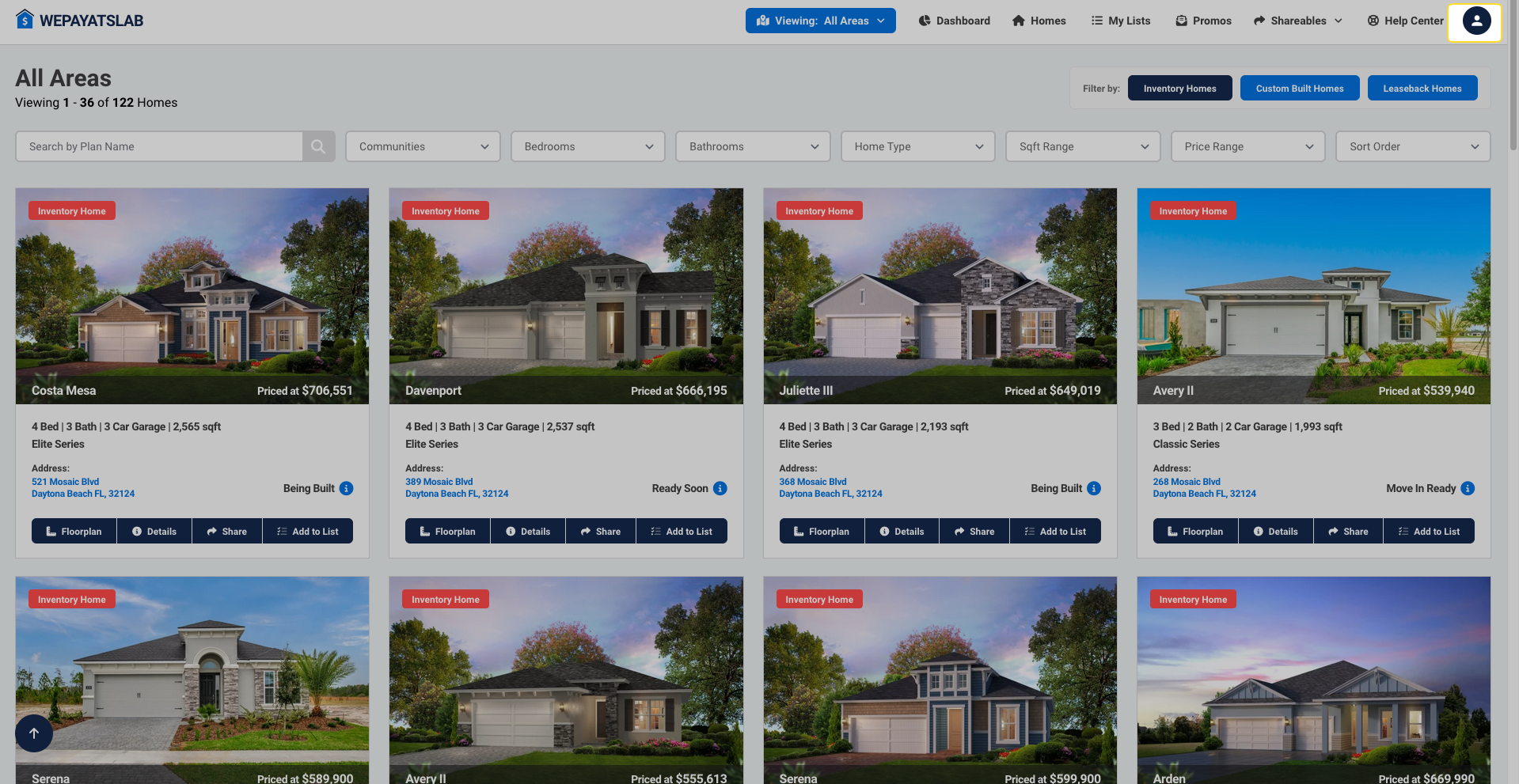
Navigate to the top right corner of the page, click on the user icon, and select "My Realtor Site" from the dropdown menu.
Once in the customization area, you can upload your company logo.
Choose a color scheme that aligns with your branding.
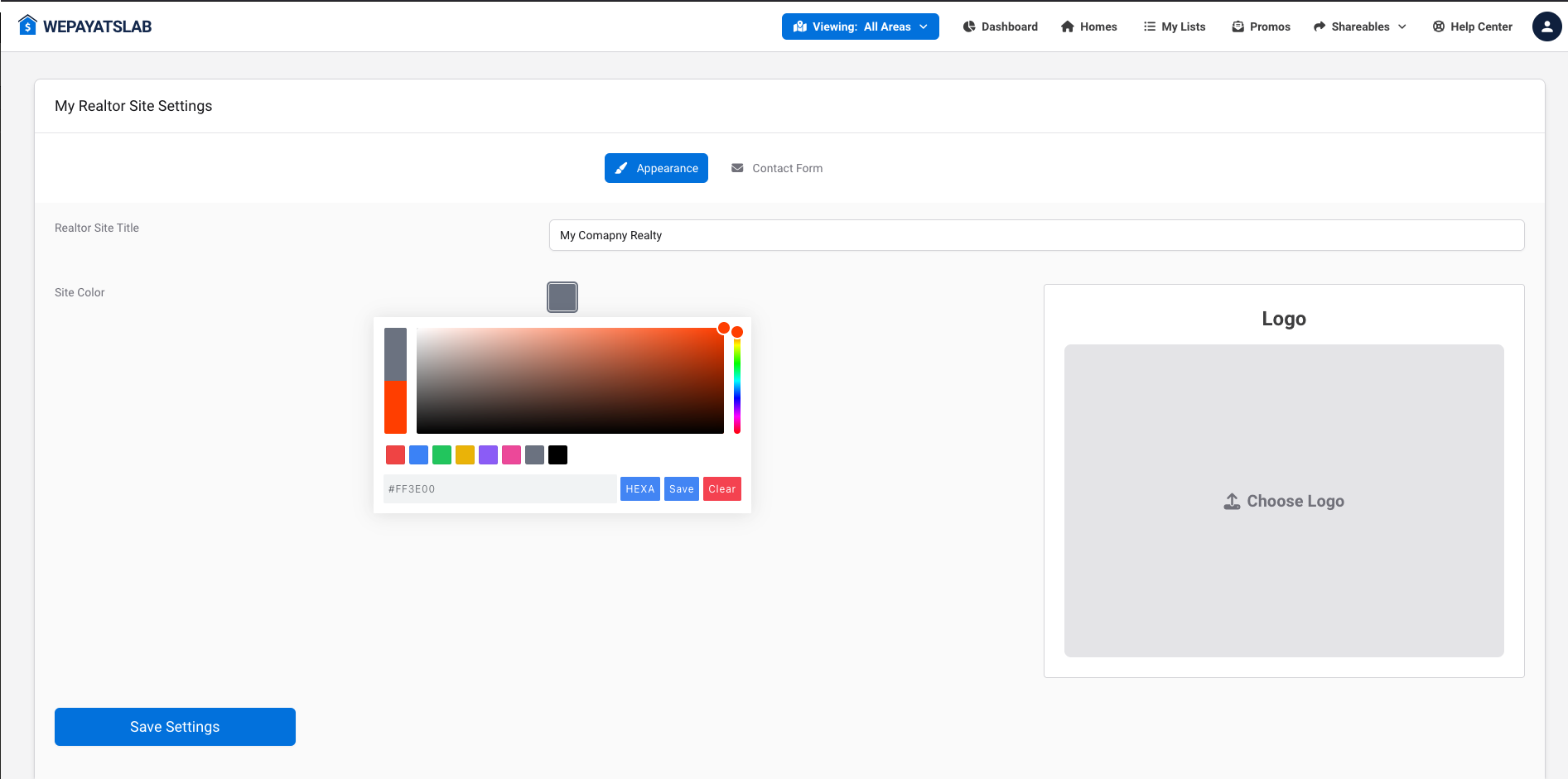
After making your customizations, be sure to save your settings. This ensures all your changes are applied, and your site is ready to impress your clients.