A home list is a convenient tool that allows you to organize and share multiple properties with your clients, making it easier to manage and present potential homes.
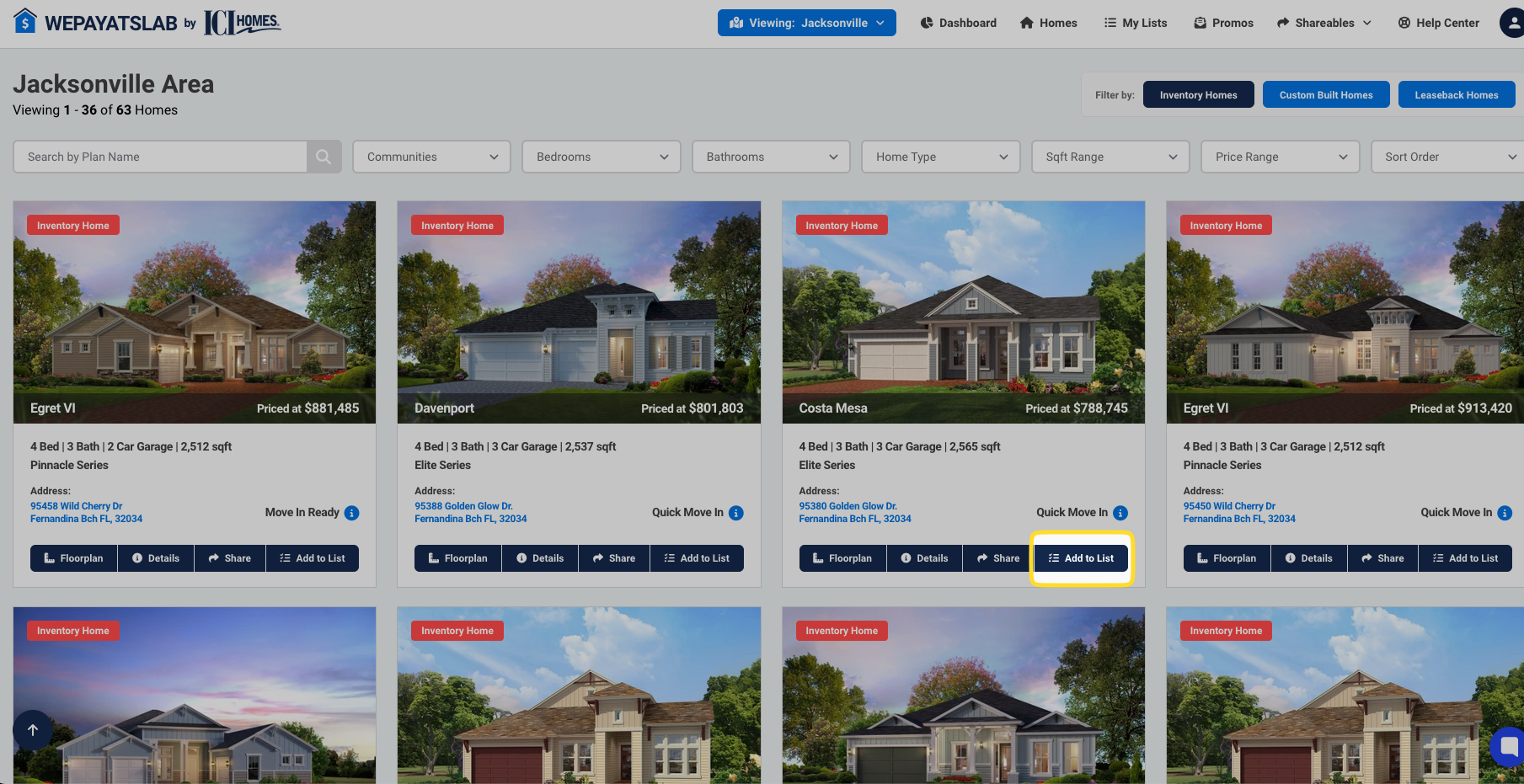
Find a Home: Browse the site and find any home you want to add to a list and click the "Add to List" button.
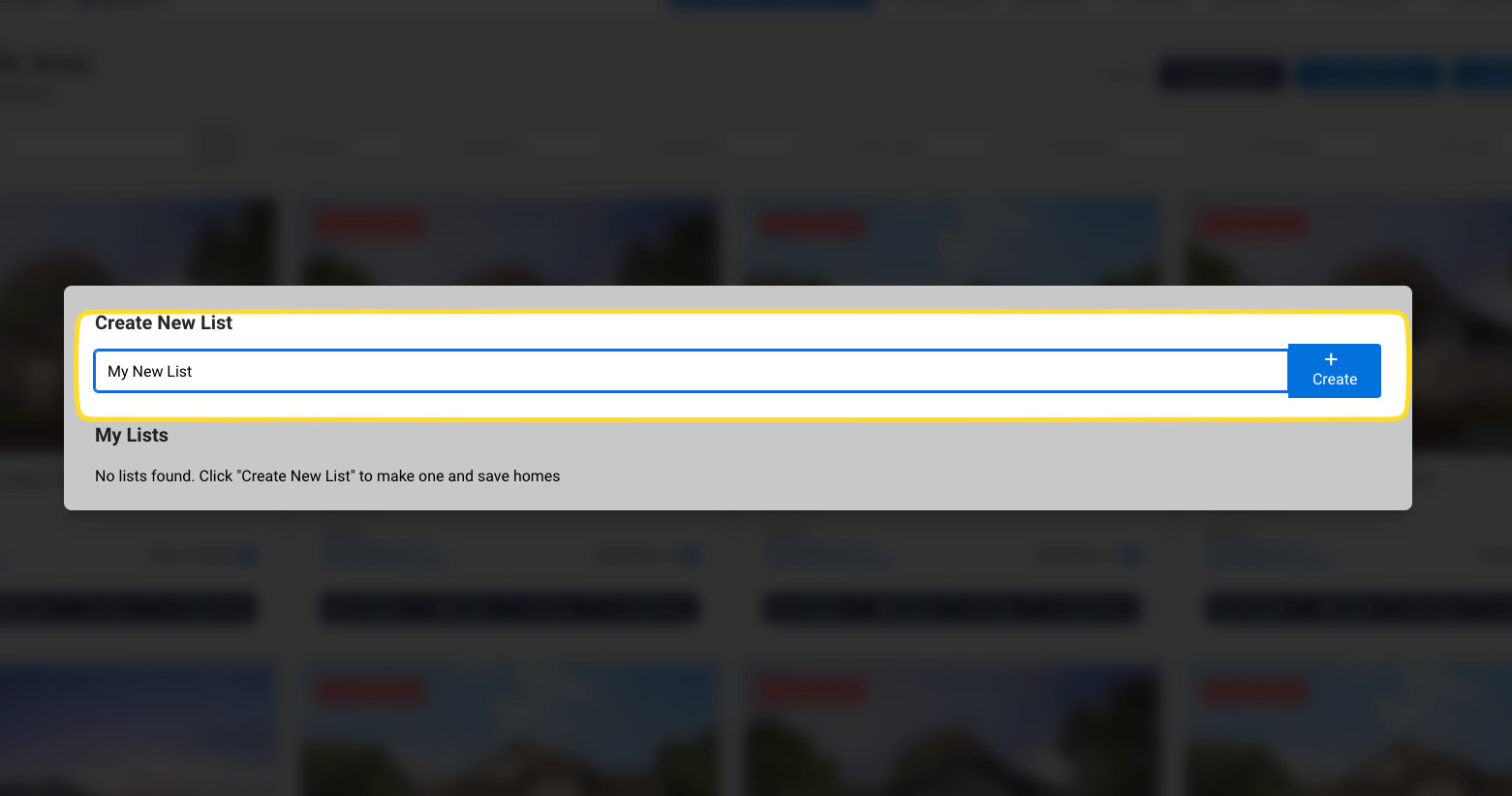
Create a New List: In the pop-up window, enter a name for your new list and click "Create."
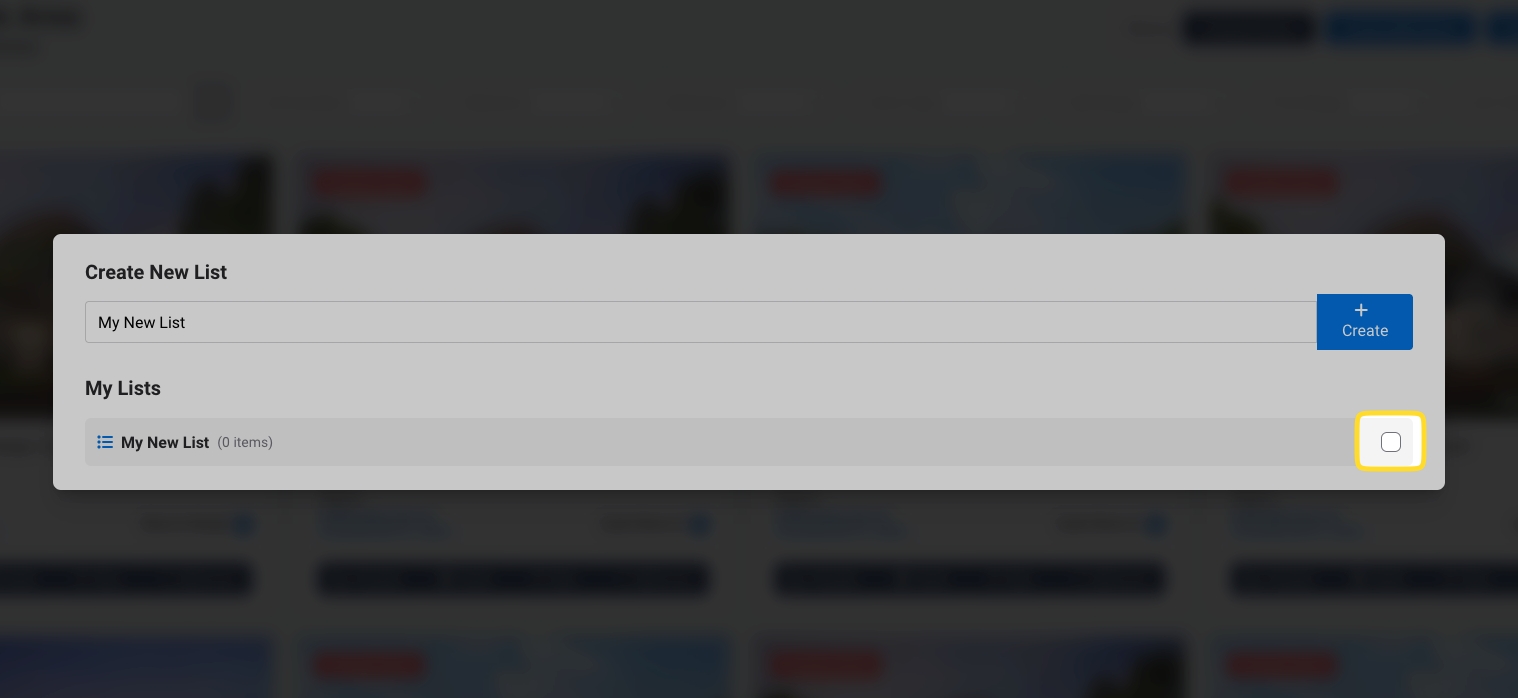
Add Homes to the List: Once your list is created, you will see it on your screen. To add homes, simply click on the checkbox next to each property you want to include.
To view your lists, click on the "My Lists" link in the navigation menu.
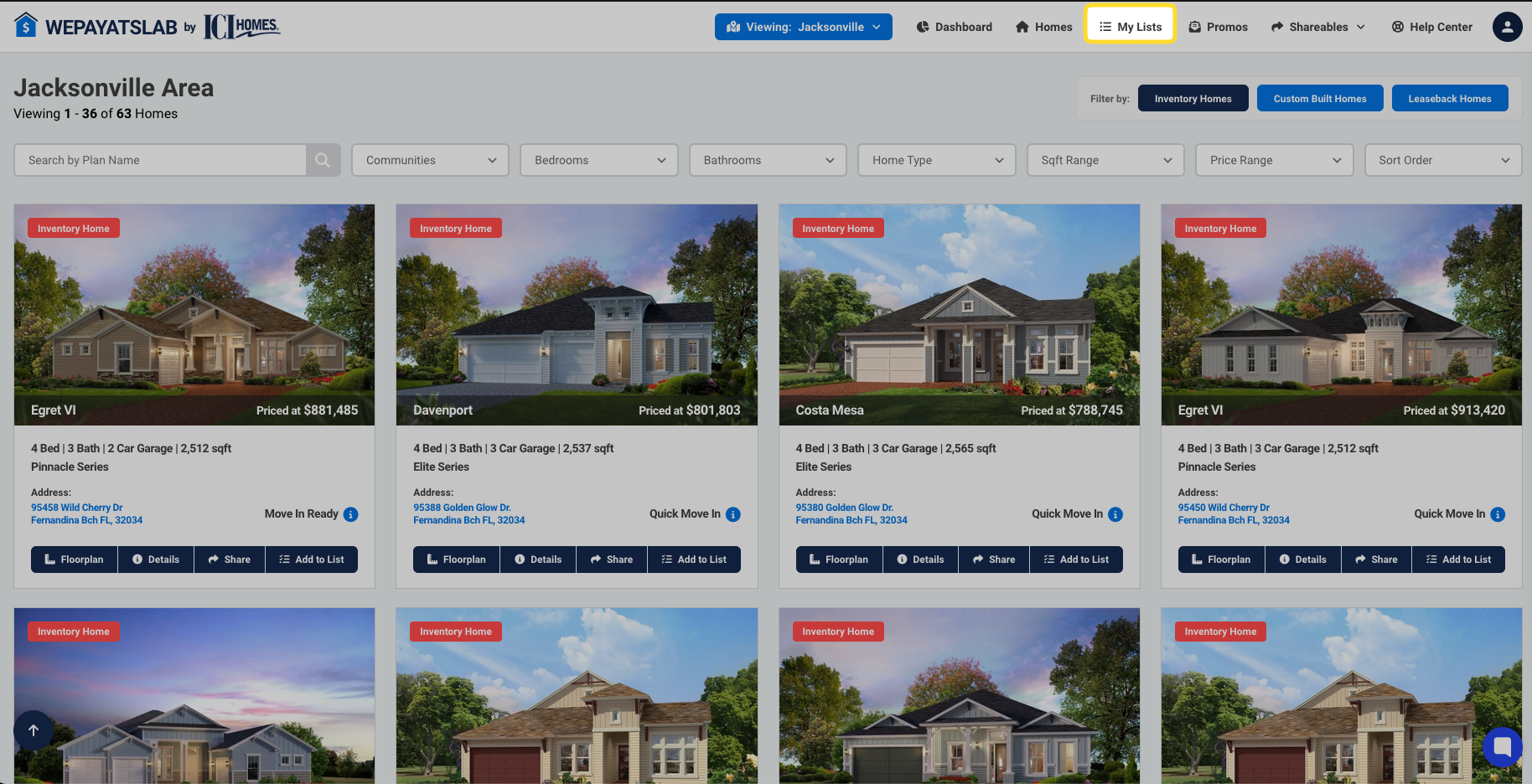
Here, you can see all the lists you've created and manage them as needed.
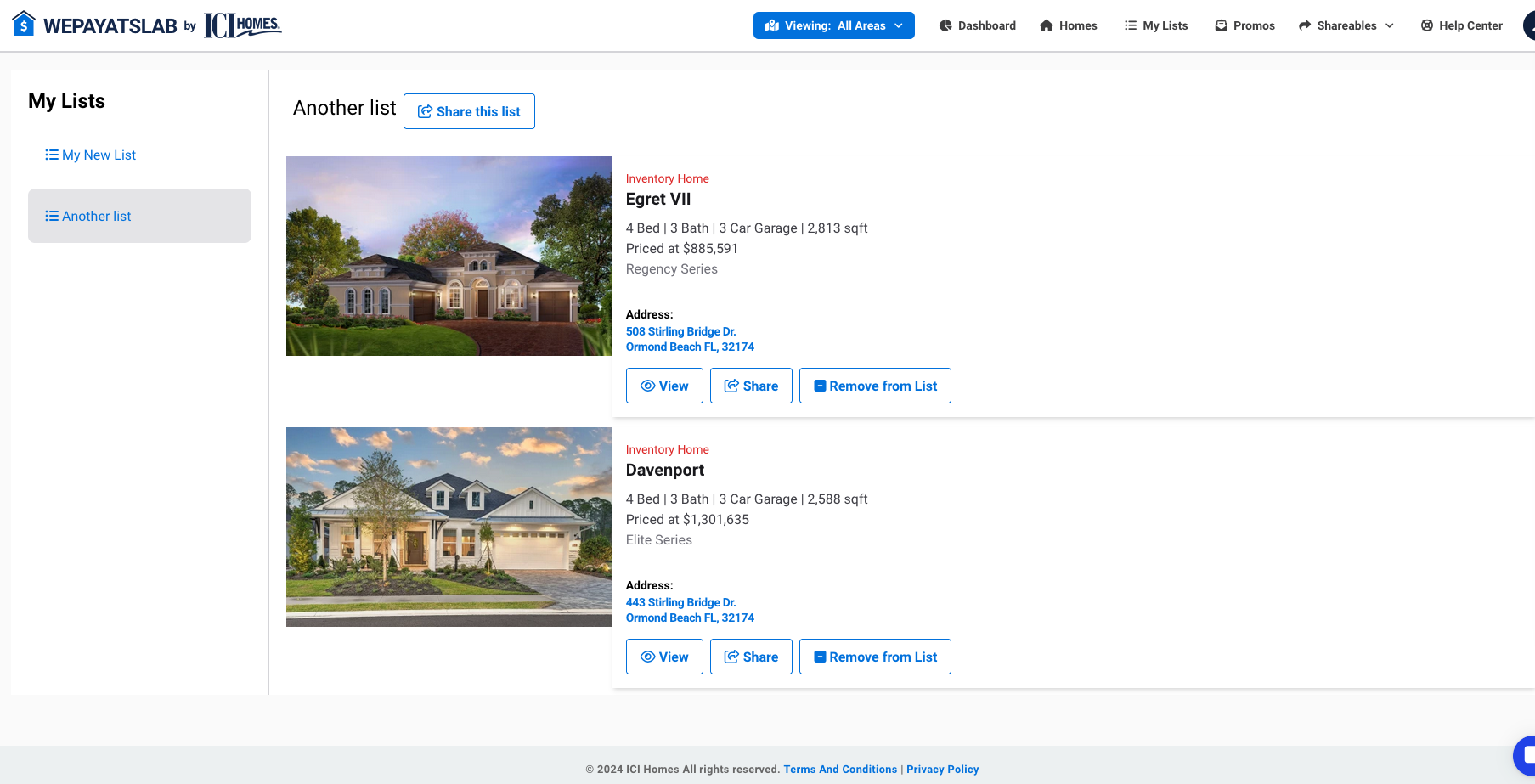
To share a list, click the "Share this list" button at the top of the list. This will generate a link to the list on your personalized Realtor site, which you can then share with your clients.