Embeds allow you to seamlessly showcase homes from WePayAtSlab on your existing real estate website. Here's a step-by-step guide to creating and using an embed code:
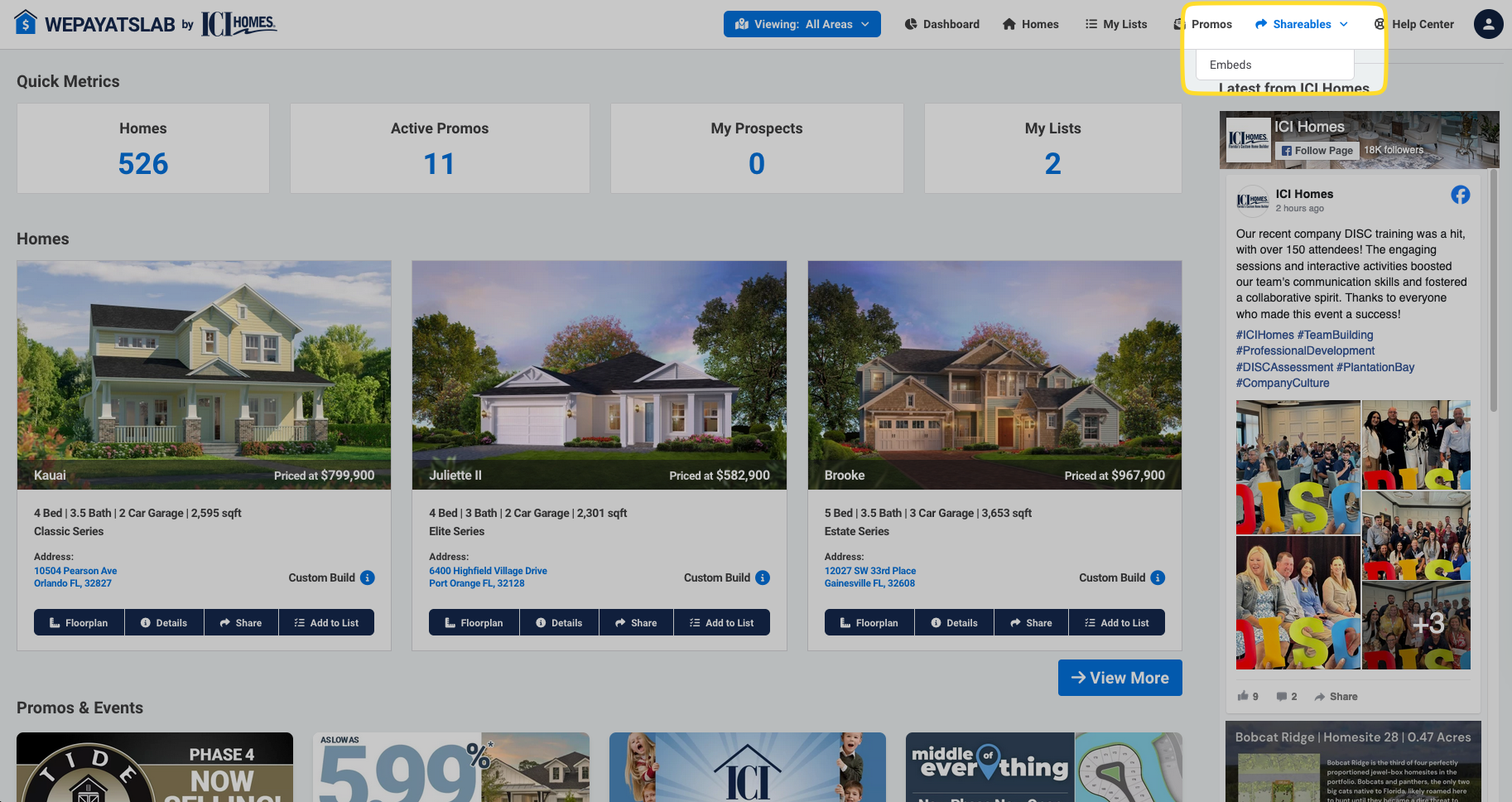
Navigate to the top menu and click on 'Shareables.'
From the dropdown, select 'Embeds.'
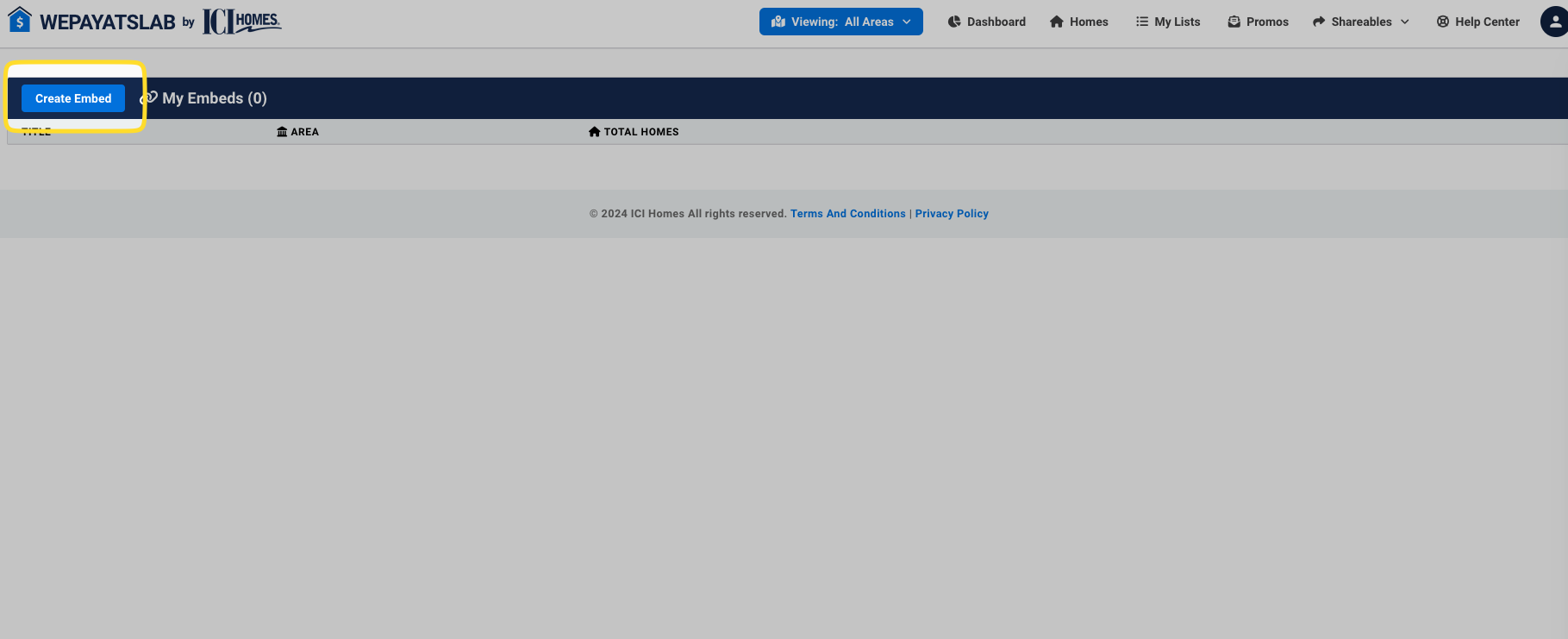
Click on "Create Embed."
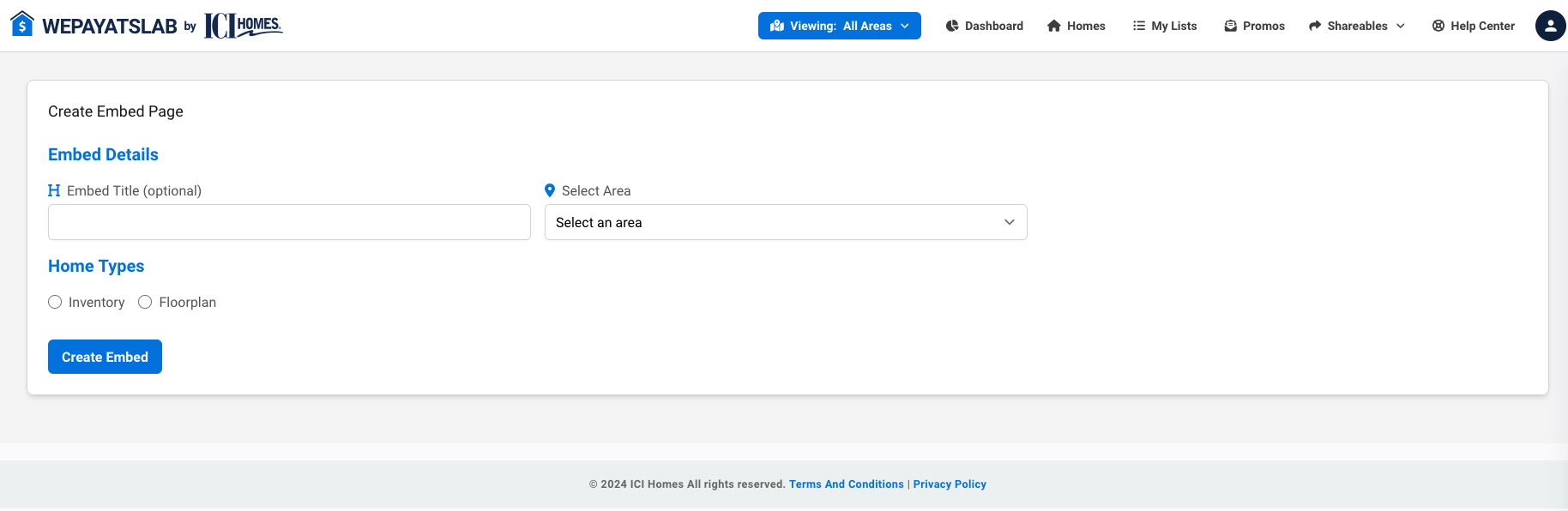
On the create embed screen, you can fill in the embed title, select the area you want to display homes for and choose between displaying Floorplan homes or Inventory homes.
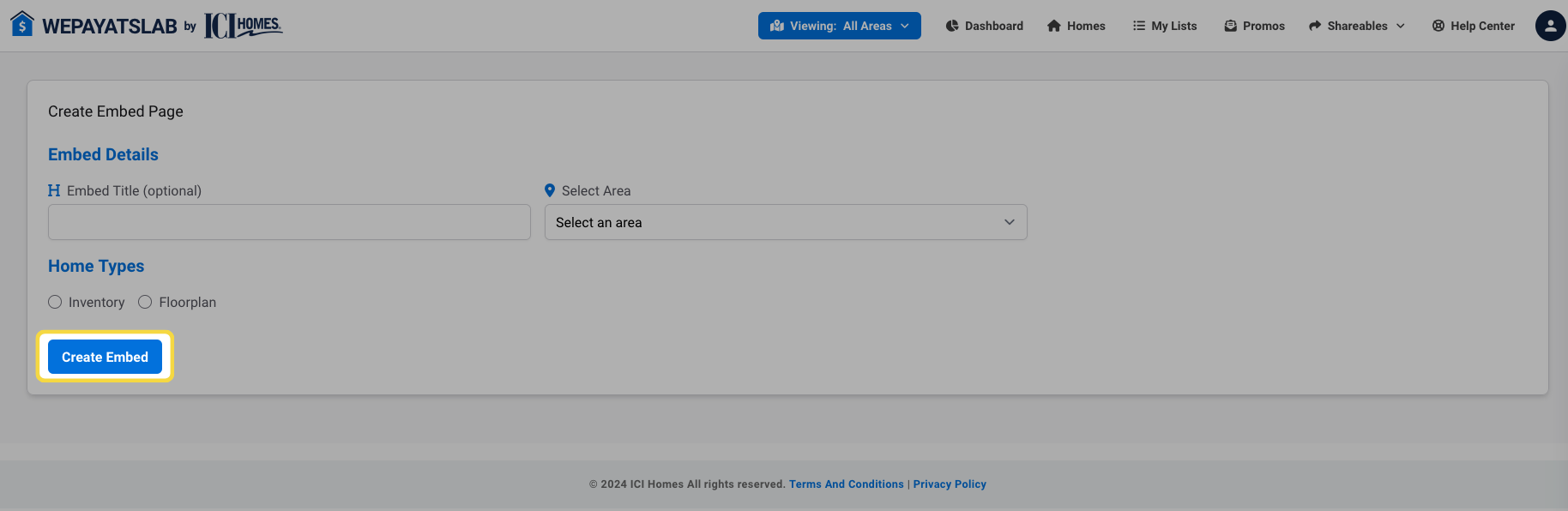
Once you've entered all the necessary details, click on "Create Embed."
Your new embed will now appear in your list of embeds.
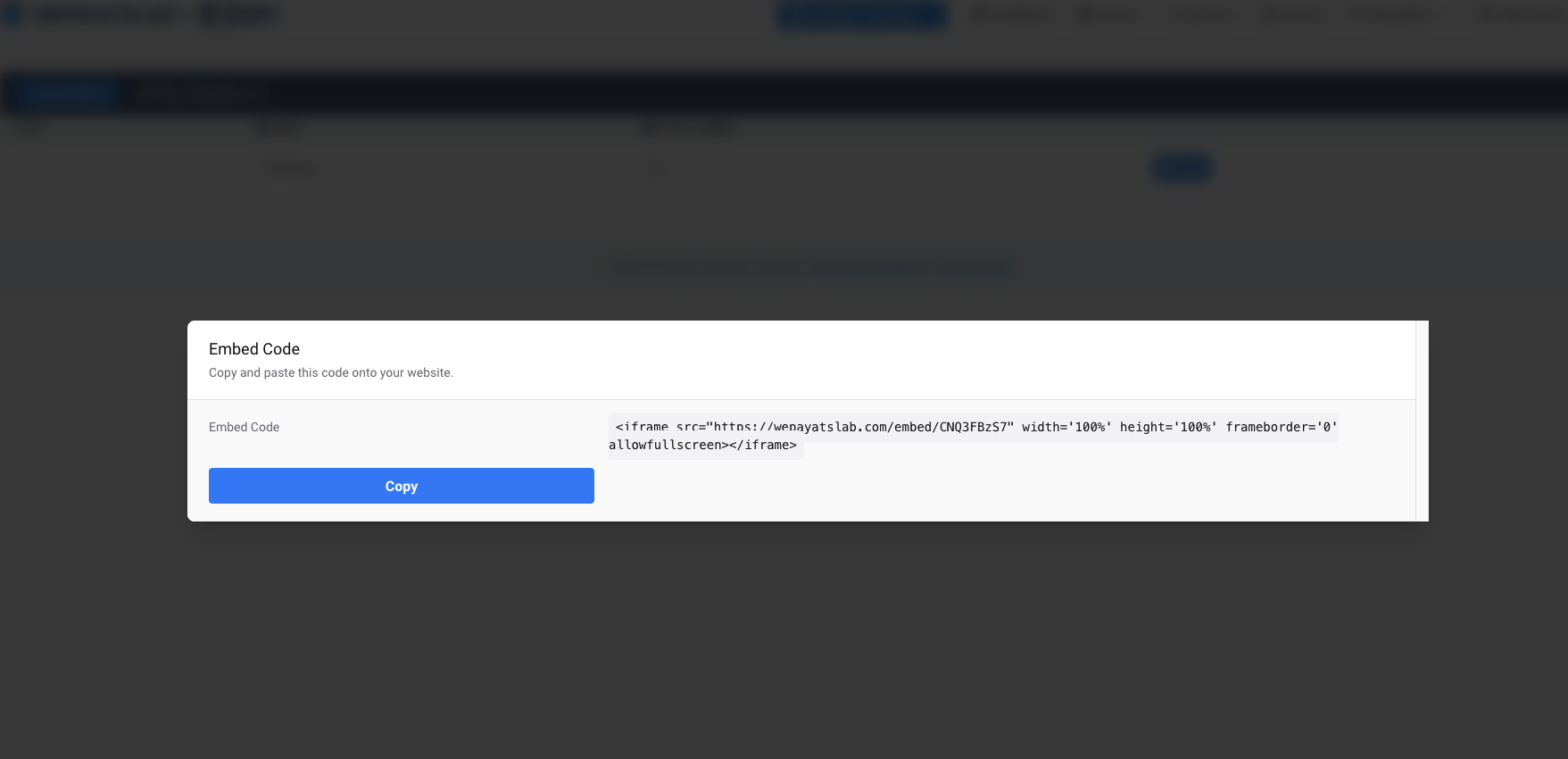
To use the embed code, click on the "Copy" button next to the desired embed.

A pop-up will appear with the code. Simply copy this code and paste it into your website's HTML, including WordPress sites.
Using these steps, you can easily integrate WePayAtSlab home listings into your realtor site, enhancing your online presence and providing potential buyers with valuable information directly on your platform.